
A hacked website can affect your business, customers, and online reputation. Knowing what to do can help prevent further damage.
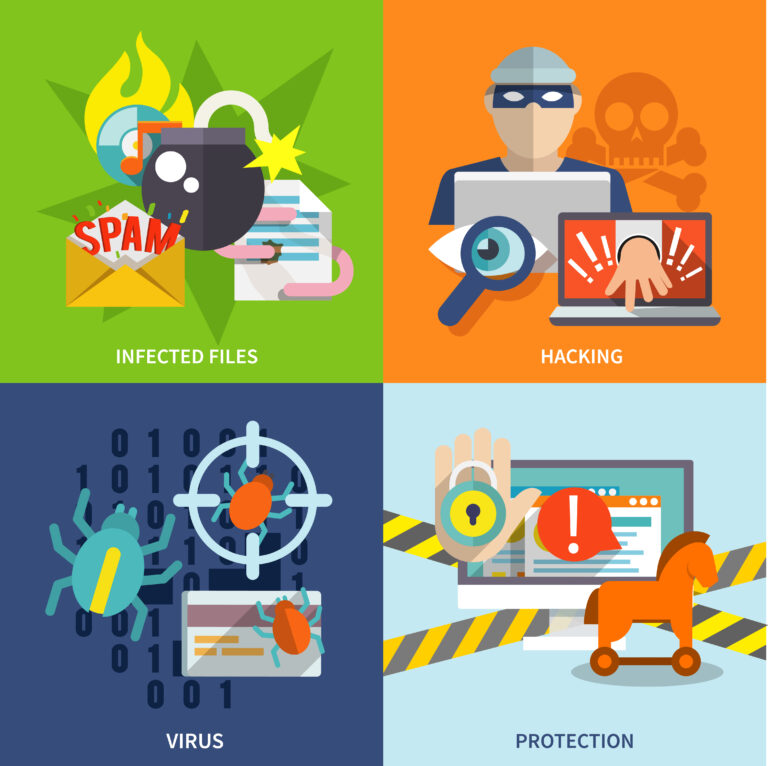
Signs Your Website May Be Hacked
– Your website redirects to unknown websites.
– Strange pages, posts, or advertisements appear.
– You cannot log in to your website.
– Google displays a security warning.
– Unknown administrator accounts appear.
– Your website starts sending spam emails.
What Should You Do?
If you notice any of these signs:
– Contact your developer or hosting provider immediately.
– Change your passwords using a secure device.
– Check your backups to see if a clean version is available.
– Limit website access if visitors may be at risk.
– Request a malware scan to identify the problem.
What Should You Avoid?
Don’t delete website files without knowing what they do.
Don’t install random security plugins.
Don’t restore backups without checking them.
Don’t ignore security warnings.
How Can You Prevent Future Attacks?
Keep WordPress, themes, and plugins updated.
Use strong passwords and two-factor authentication.
Back up your website regularly.
Remove unused plugins and user accounts.
Monitor your website for suspicious activity.
You can check Malware Revention Guide here.
Need Help With Your Website?
If your website has been hacked or you notice unusual activity, contact BrushPic for assistance.
We can help assess the issue and recommend the next steps to secure your website.
Contact BrushPic: www.brushpic.com
Remember: Acting quickly can help reduce damage and protect your business.